First, you will be guided through the installation of Automation Studio, create your first project, and learn how to establish a connection to the controller. In the next course, you will gain insight into the operating system that runs on all B&R products: Automation Runtime. Afterwards, you will implement what you have learned by programming a fill level control system.
Additionally, you can explore our add-on courses. You can get an overview of the X20 system from B&R and learn how to select suitable hardware and wire it correctly. You can try out Automation Studio Code and open your projects in the new environment. You can also learn how to improve larger pro-jects with different variants by using reference files.
Module 1 | Project creation and connection setup |
|---|---|
Module 2 | Operating system Automation Runtime |
Module 3 | Programming example of a fill level control system |
Add-on 1 | B&R hardware and wiring * |
Add-on 2 | AS Code (Beta) * |
Add-on 3 | Reference files * |
Add-on 4 | Migration to Automation Studio 6 – Step-by-Step Checklist * |
Add-on 5 | Understanding and avoiding cycle time violations * |
*Course is free of charge, see details in the list below
Module 1:
Project creation and connection setup
Project creation and connection setup
Description | In this course, you will be guided through the installation of Automation Studio and Automation Help as well as your first Automation Studio project. With detailed step-by-step instructions, you will learn to establish a connection to a real or simulated controller. Content:
|
|---|---|
Target group | People just becoming familiar with automation technology (high school and university students, employees who want to get to know Automation Studio and create their first project) |
Requirements |
|
Topic duration | Approx. 2,5 hours (without installation time approx. 30-45 minutes) |
Hardware used | The online course is based on the following hardware:
|
Software used |
|
Module 2:
Operating system Automation Runtime
Operating system Automation Runtime
Description | Automation Runtime (AR) is a real-time operating system that runs on all B&R products. It offers basic functions and configuration options. In this course, we provide an overview. Content:
|
|---|---|
Target group | Automation Studio beginners (high school and university students, employees and people who would like to learn more about Automation Runtime) |
Requirements |
|
Topic duration | About 2,5 hours |
Hardware used | The online course is based on the following hardware:
The online course can also be performed using simulation. |
Software used |
|
Module 3:
Programming example of a fill level control system
Programming example of a fill level control system
Description | This course will guide you through your first steps in Automation Studio. With the help of step-by-step instructions, you will become familiar with the basics of Automation Studio and learn how to configure, program and operate both hardware and software. Content:
|
|---|---|
Target group | Automation Studio beginners (high school and university students, employees and people who would like to learn more about Automation Studio) |
Requirements |
|
Topic duration | From project to fill level control: approx. 4 hours |
Hardware used | The course is based on the following hardware:
The instructions in the course can only be performed with real hardware. Some steps cannot be implemented in the simulation. These are marked accordingly. |
Software used |
|
Add-on 1: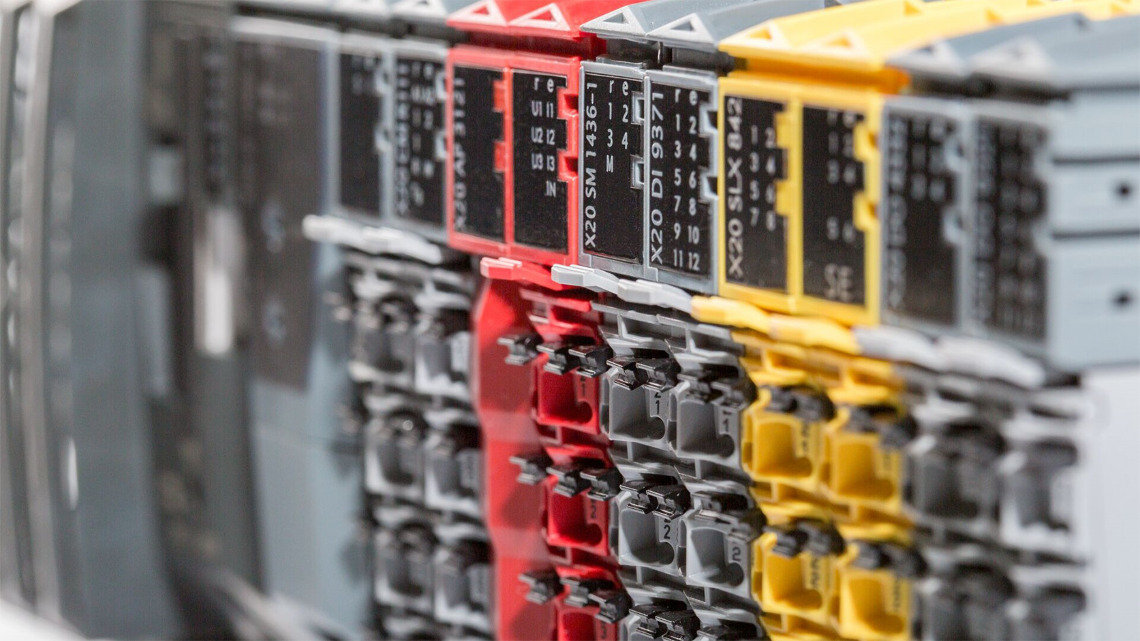
B&R hardware and wiring
B&R hardware and wiring
This online course is free of charge: English / German
Description | This course covers the X20 system from B&R. You will learn to select suitable hardware and wire it correctly. Two important fieldbus systems (X2X Link and POWERLINK) are also presented. Content:
|
|---|---|
Target group | Those just getting started with automation technology who want to familiarize themselves with B&R hardware (students, employees) |
Requirements |
|
Topic duration | Approx. 2 hours |
Hardware used | No hardware is used in the course, all required hardware information is available on the website: Products |
Software used | No software is used in the course |
Add-on 2:
AS Code (Beta)
AS Code (Beta)
This online course is free of charge: English
Description | This course covers Automation Studio Code (beta version). You will learn to open and work with your project in the new environment. Content:
|
|---|---|
Target group | Experienced Automation Studio users who want to become familiar with the new development environment Automation Code |
Requirements |
|
Topic duration | Approx. 2 hours |
Hardware used | The online course is based on the following hardware:
The online course can also be performed using simulation. |
Software used |
|
Add-on 3:
Reference files
Reference files
This online course is free of charge: English / German
Description | This course covers the usage of reference files in an Automation Studio project. Content:
|
|---|---|
Target group | Automation Studio beginners (high school and university students, employees and people who would like to learn more about Automation Studio) |
Requirements |
|
Topic duration | Approx. 15 minutes |
Hardware used | The online course is based on the following hardware:
The online course can also be performed using simulation. |
Software used |
|
Add-on 4:
Migration to Automation Studio 6 – Step-by-Step Checklist
Migration to Automation Studio 6 – Step-by-Step Checklist
This online course is free of charge: English / German
Description | This online checklist/course assists customers with migrating from Automation Studio 4.12 to version 6.3 (or higher). Content:
|
|---|---|
Target group | Customers who work with Automation Studio and need to migrate to the new platform. |
Requirements |
|
Topic duration | Approx. 90 minutes |
Hardware used | The checklist provides examples of hardware and component replacement.
|
Software used |
|
Add-on 5:
Understanding and avoiding cycle time violations
Understanding and avoiding cycle time violations
This online course is free of charge: English / German
Description | This online course helps customers learn how to analyze and resolve cycle time violations in Automation Studio. Content:
|
|---|---|
Target group | Customers who work with Automation Studio and are confronted with cycle time violations. |
Requirements |
|
Topic duration | Approx. 10 minutes |
Hardware used | The online course uses X20 to show the LED status. |
Software used |
|